
Rewards
RedotPay sign-up reward and promo code guide
Use the registration entry for account sign-up. Use card promo codes only when ordering a virtual or physical card.
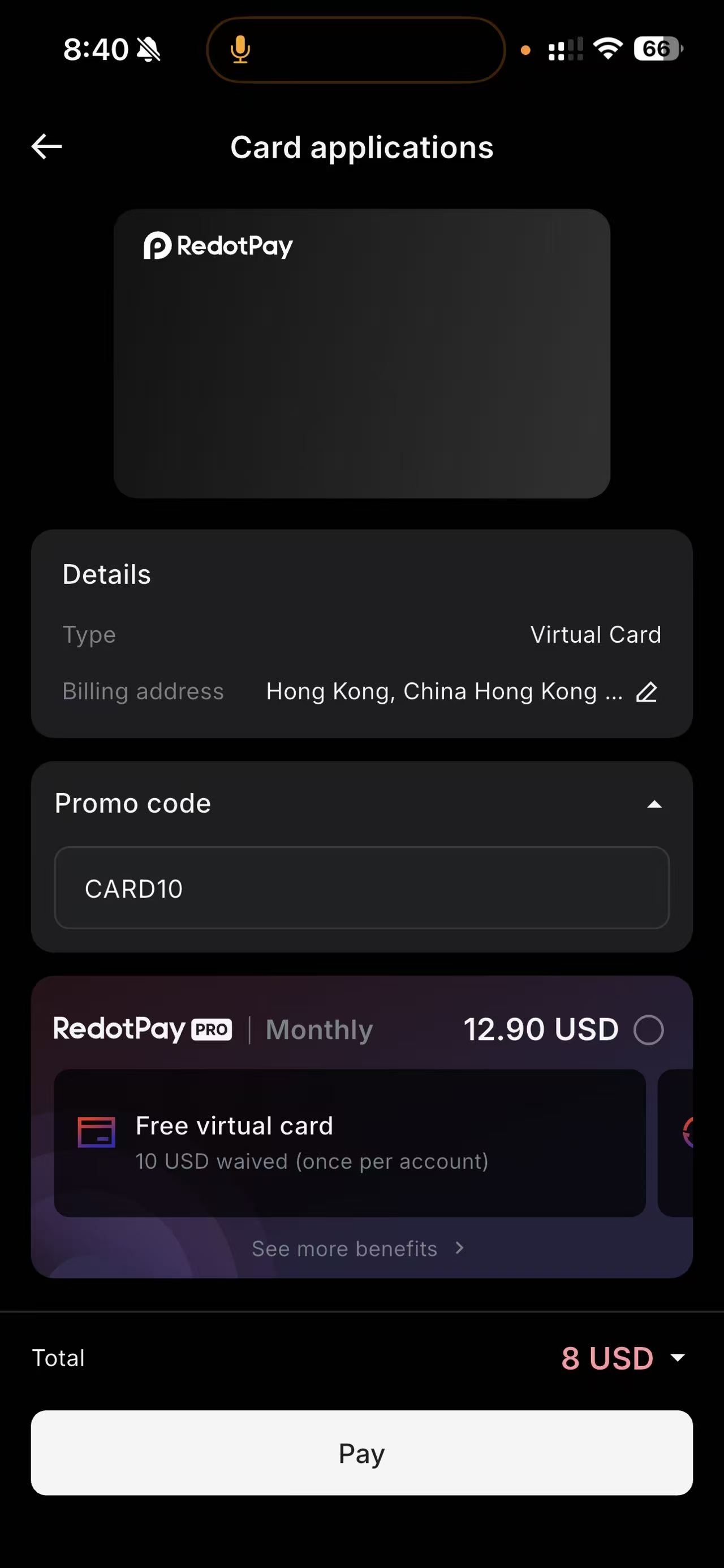
Order virtual cardCARD10
Use this code during virtual card order.
Order physical cardCARD100
Use this code during physical card order.
How to use the promo code in the app
- Open the app and go to Home page.
- Tap Card, then tap + to add a new card.
- Open Promo code and enter CARD10 for virtual card.
- Before paying, tap the small circle next to RedotPay Pro to cancel the monthly subscription.
Promo code is used for card orders, not account registration. Check the total before Pay.
Next step: use the registration entry first, then return for setup guides.Start with registration